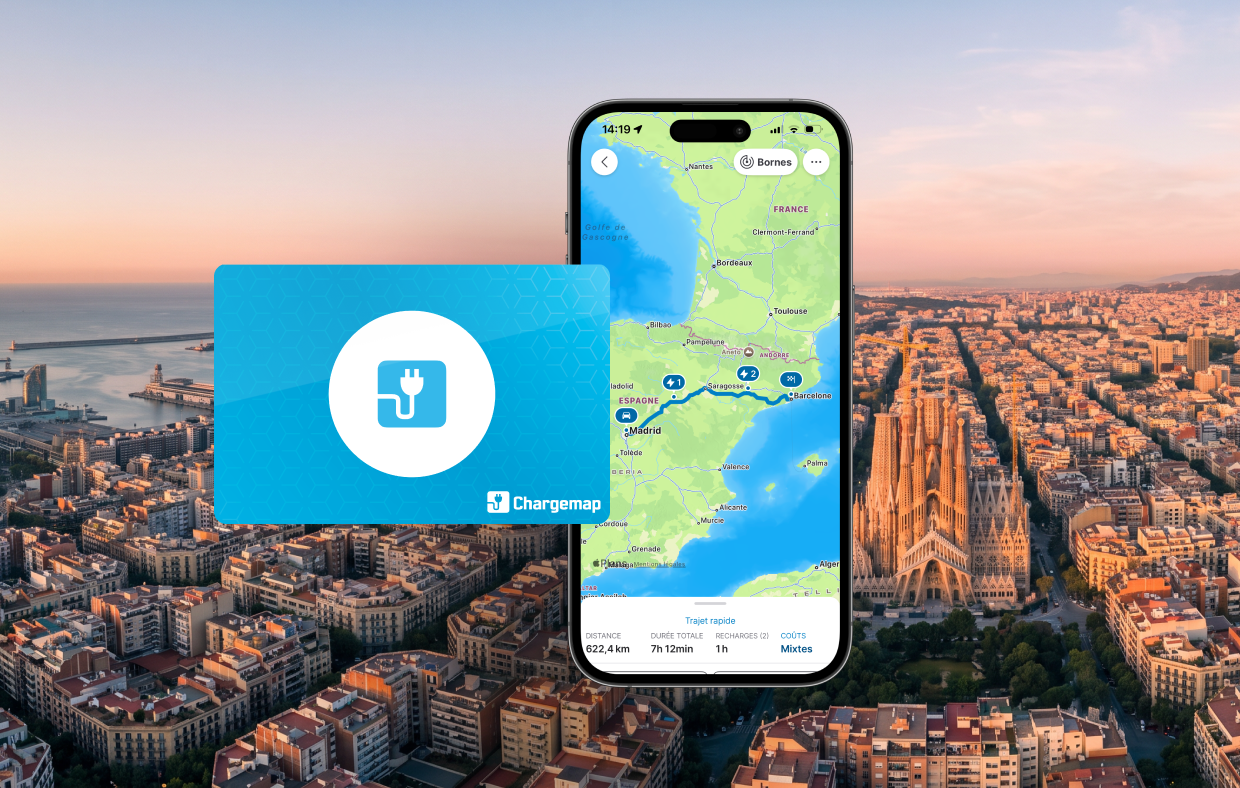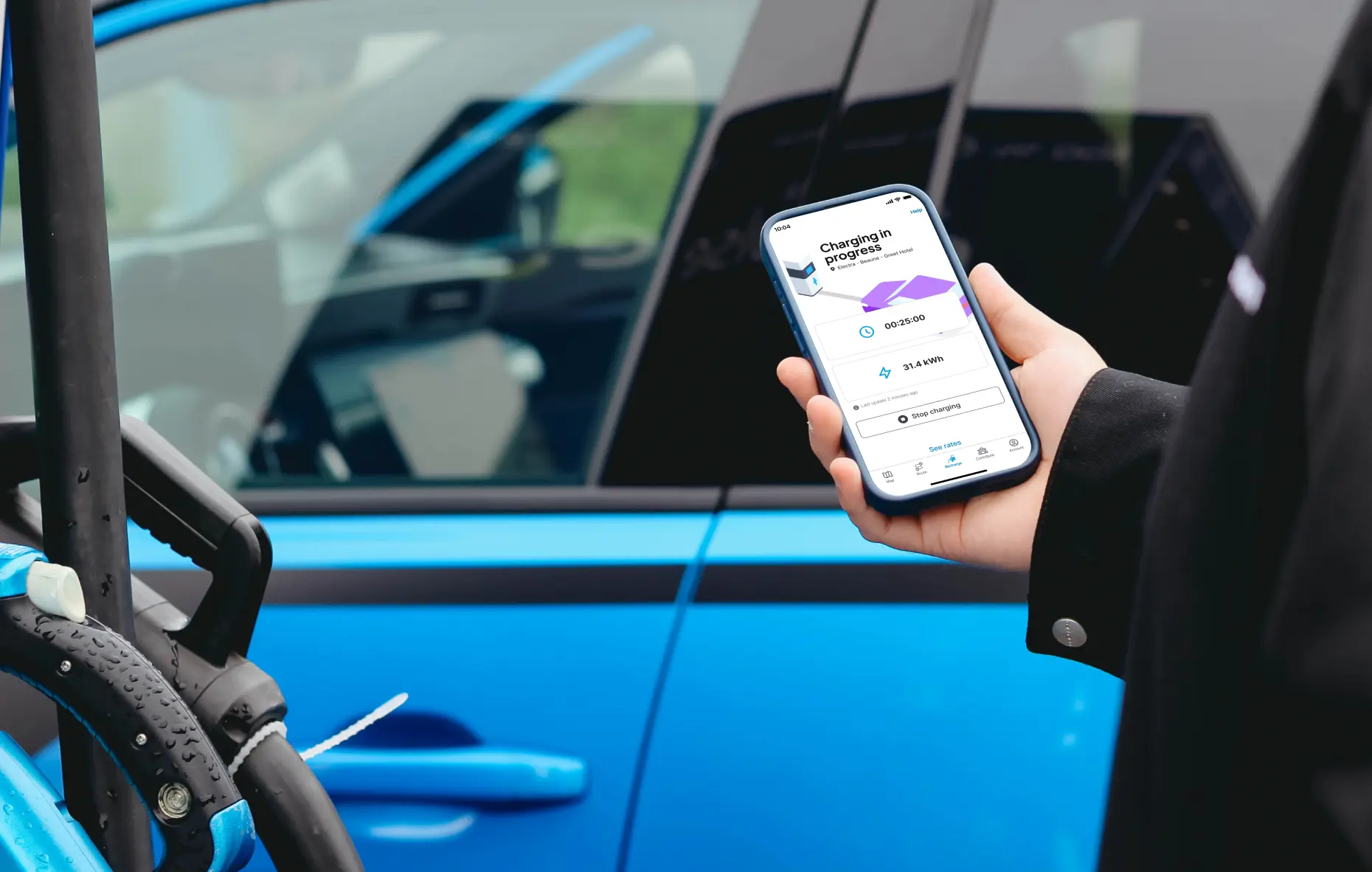
Did you know? With the Chargemap Pass, you get access to a comprehensive charging service that includes digital charging features. Simply plug in, start charging, and stop charging with a single click. Focus on the charging feature in the Chargemap app: advantages, compatible stations, and how to use it.

Key Takeaways
- Charge immediately after purchasing your Pass, WITHOUT waiting for your physical card.
- Launch, monitor, stop and manage your charging sessions from the app.
- Charge with peace of mind, even if you've left your physical card at home.
- Receive a notification when your session ends.
A better charging experience from the Chargemap app
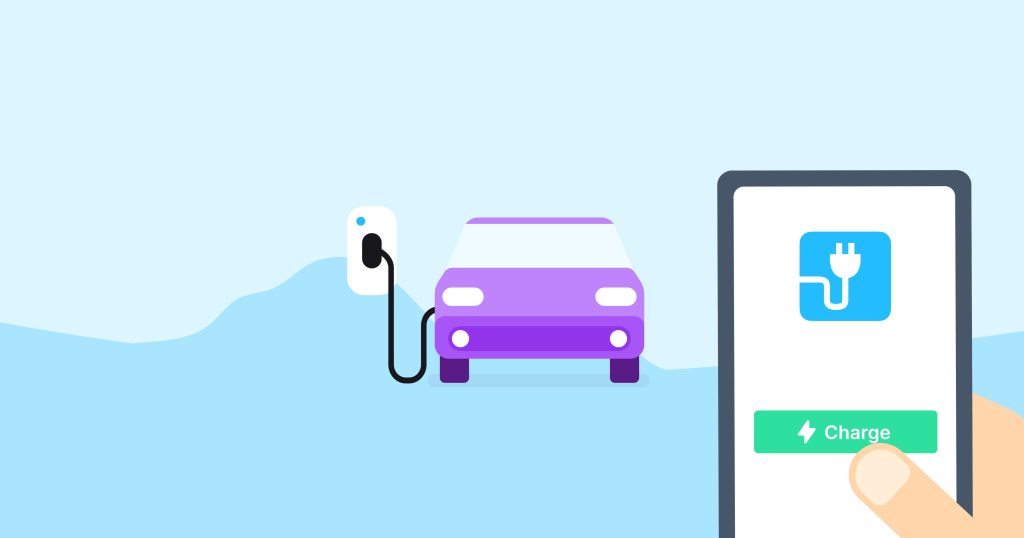
With the Chargemap Pass, mobile charging is available straight after purchase – no need to wait for your physical card. First step: order your Chargemap Pass. Then: start charging from the app in seconds!
Here's a closer look at the advantages:
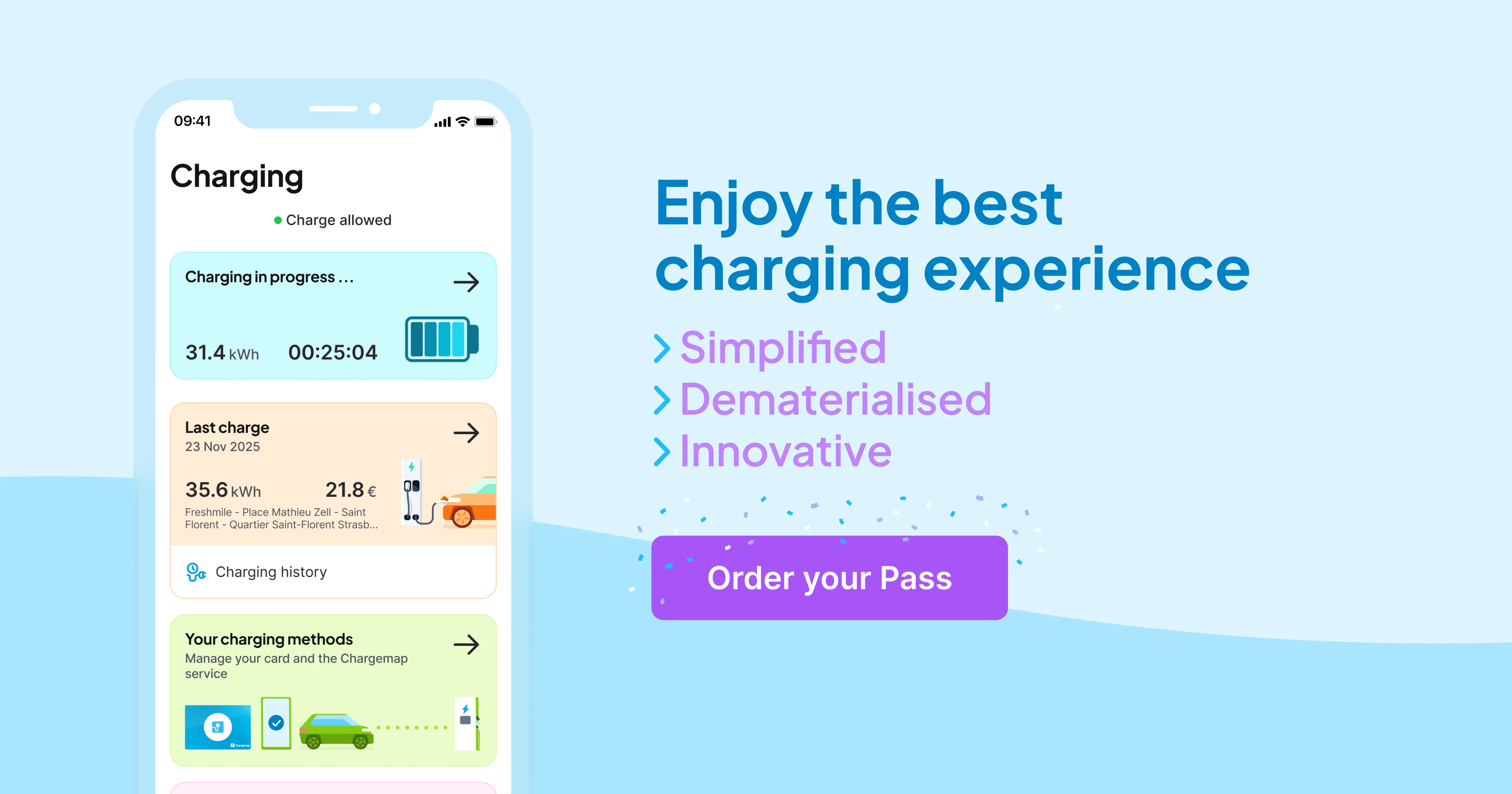
- Start, track, stop and manage your charging sessions entirely from your Chargemap mobile application.
- Charge with peace of mind even if you have forgotten your Chargemap Pass at home.
- Receive an end-of-session notification* to confirm that charging has stopped. This is particularly useful if your charging session is accidentally stopped (problem with the station, damaged connector, etc.).
*Remember to allow notifications from the Chargemap app so that you don't miss out on this information.
On which networks can you charge from the Chargemap mobile app?
First of all, bear in mind that the 'charging via mobile app’ feature is mainly available at rapid and ultra-rapid charging points.
To offer you the best possible charging experience, Chargemap has established very selective criteria that charging networks must meet in order to activate this feature on their stations.
To date, more than 200,000 charging points across Europe are compatible with charging from the Chargemap mobile app. Compatible networks include Allego, TotalEnergies, BeCharge, Powerdot, IONITY and Atlante.
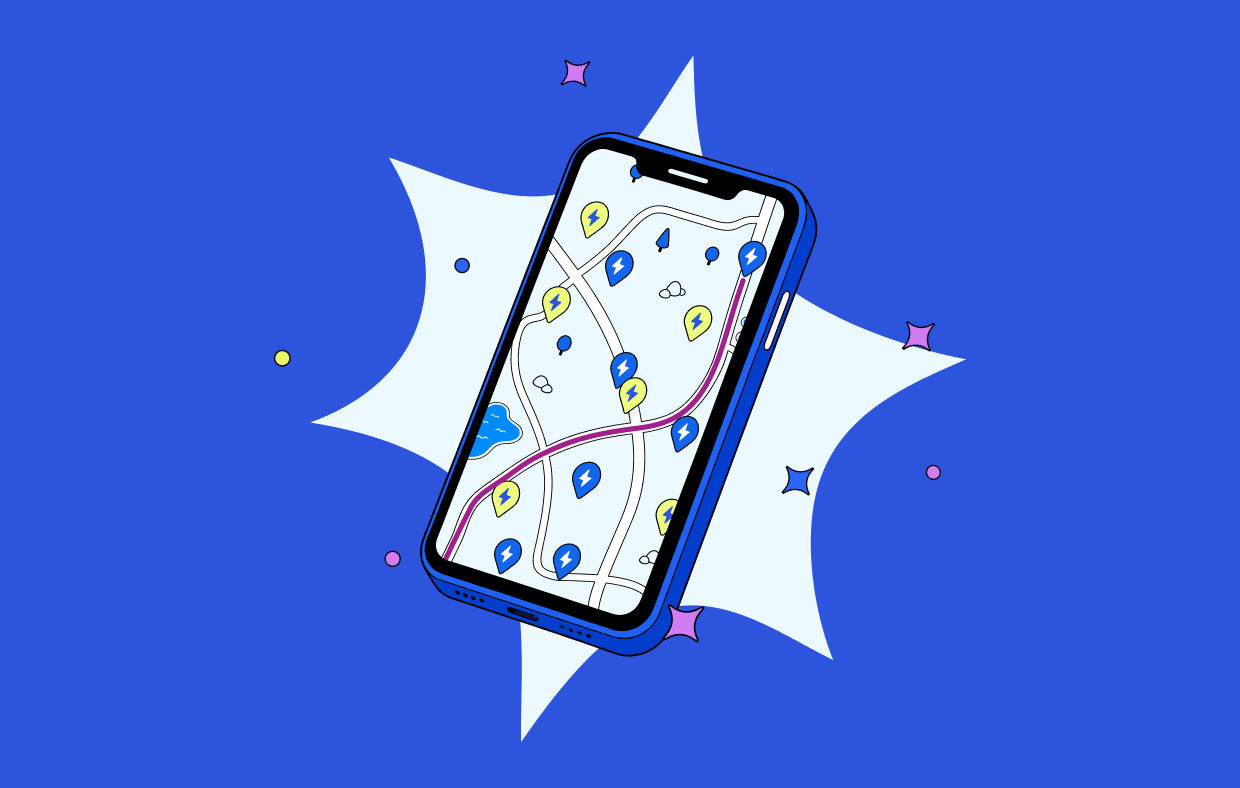
To see at a glance where you can use this feature, go to the Chargemap app and select the ‘Charging via mobile app’ filter. Other networks will be added very soon. Stay tuned!
Charging your electric car from the Chargemap app: how does it work?
1. Find a charging station compatible with the charging via mobile app feature
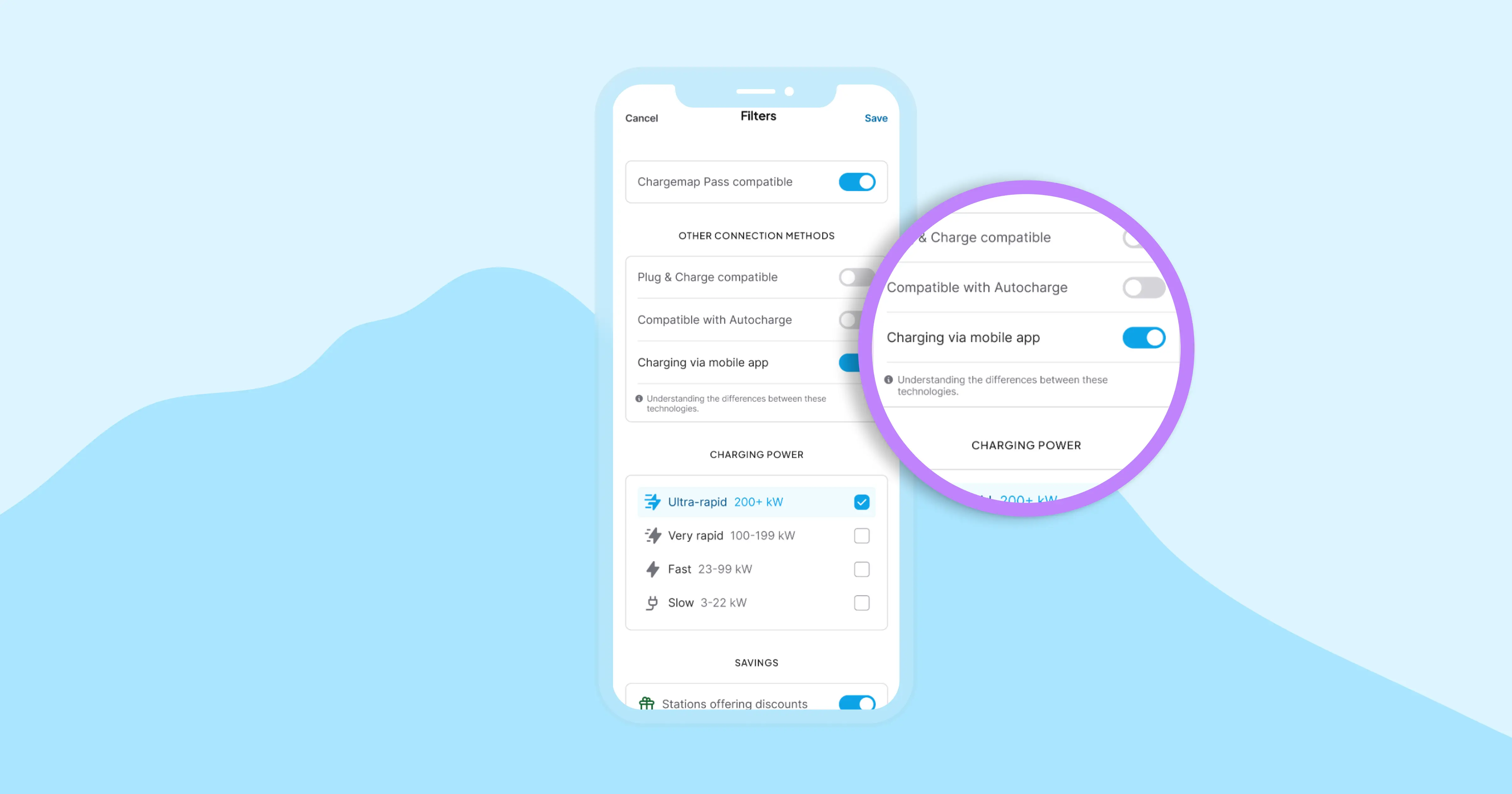
Go to the Chargemap filters to activate the 'Charging via mobile app' filter.
2. Follow the instructions on the charging station and go to ‘Charge’
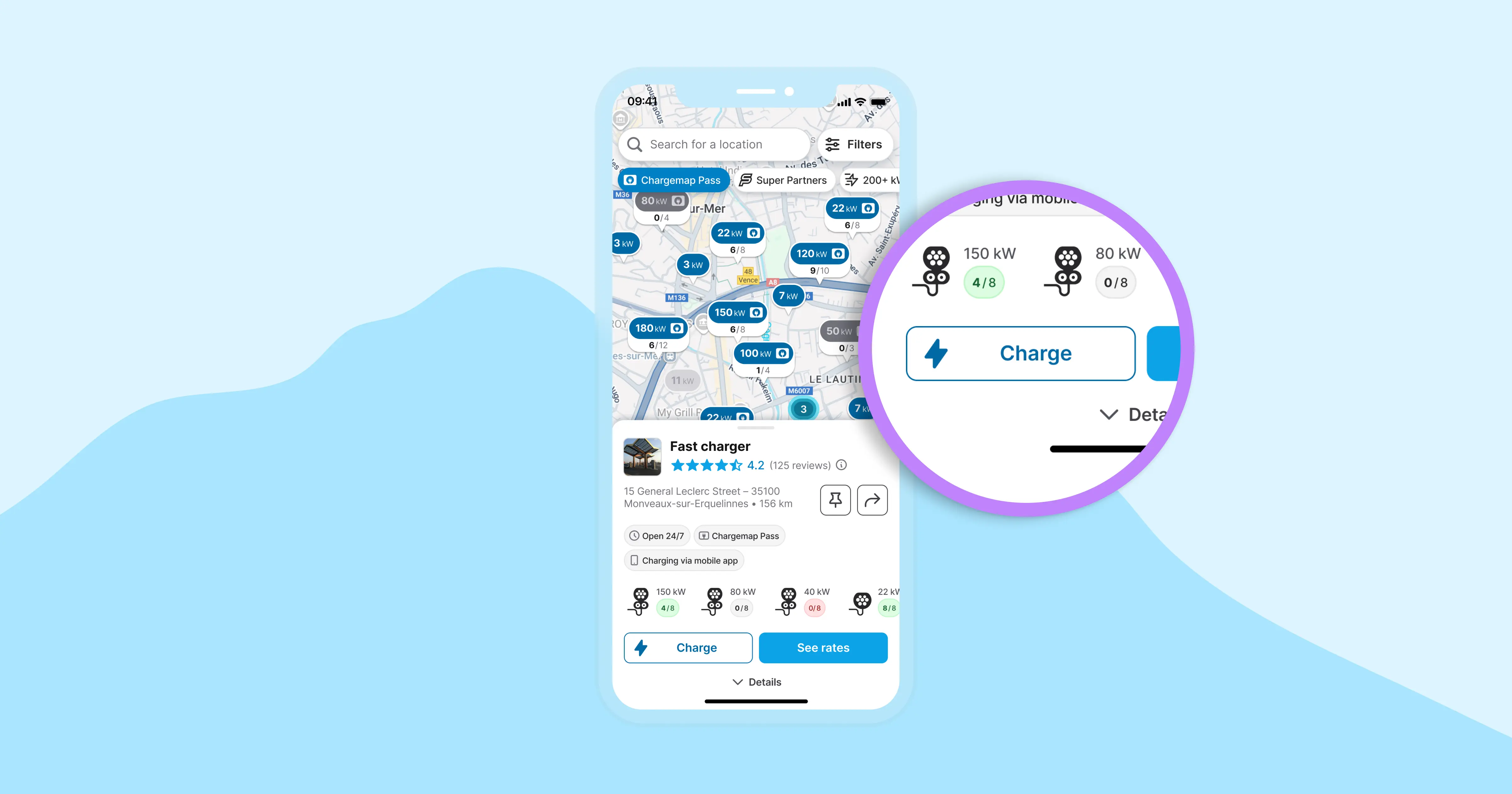
For most charging stations, you will first need to plug in your electric car before following the steps to start charging from your Chargemap application. Check the instructions on the charging point to make sure.
Then, on the charging station's sheet, press the ‘Charge' button to begin. Please note that you must accept geolocation to start charging from mobile.
3. Select the right connector and check the charging rate
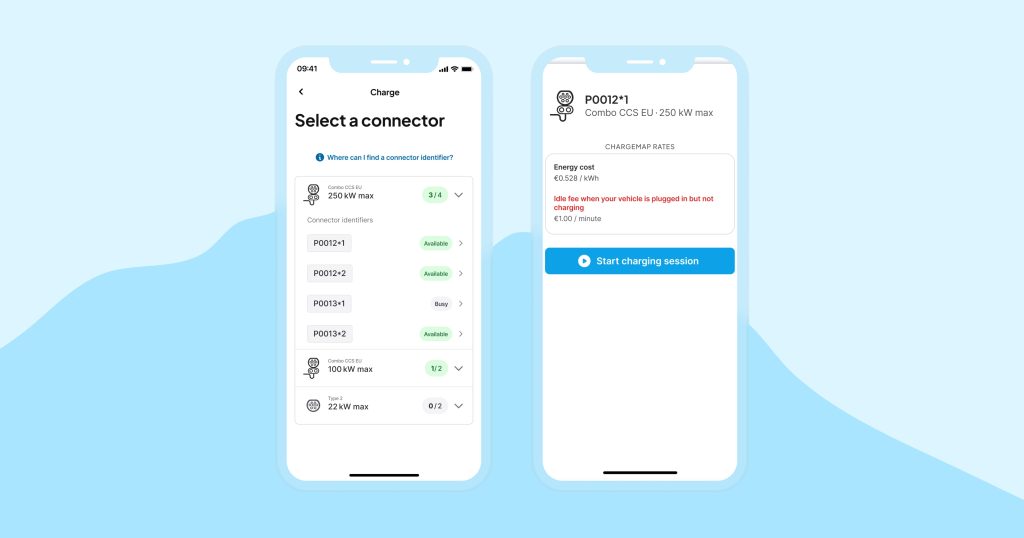
Several connectors with different identifiers will be shown to you. To make sure you select the right connector in front of you, Chargemap gives you clues to find the corresponding identifier.
A final check of the charging rate applied and you're ready to start charging your electric car from the Chargemap application.
4. Start the charging session and follow its progress live
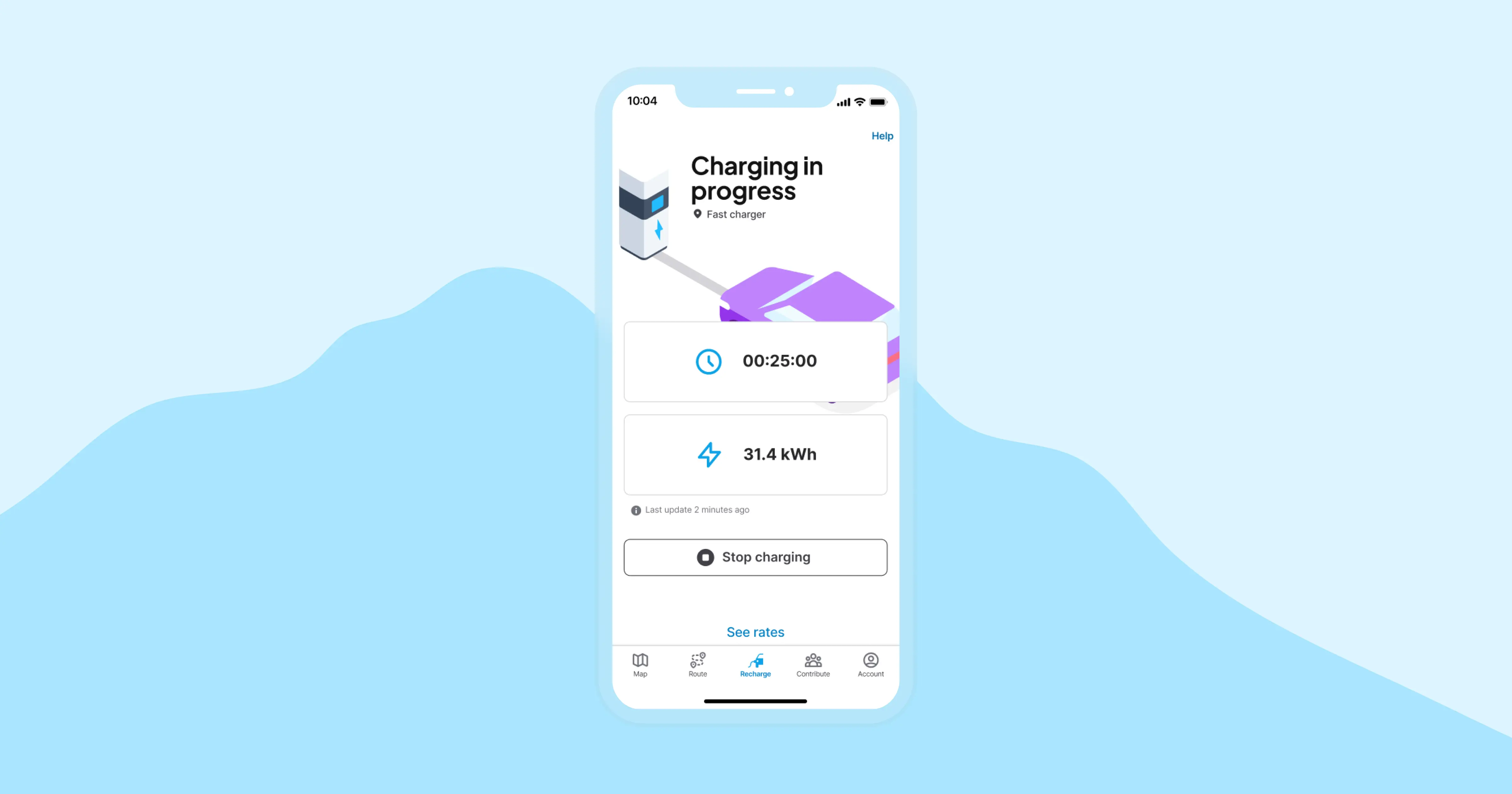
Go to 'Start charging session'. Don't panic if the session data doesn't appear immediately, as it may take a few moments to receive the data from the station and the operator.
Once the session has started, you can view your charging information in real time. You can now take a break with complete peace of mind ☕️
5. Stop charging at any time
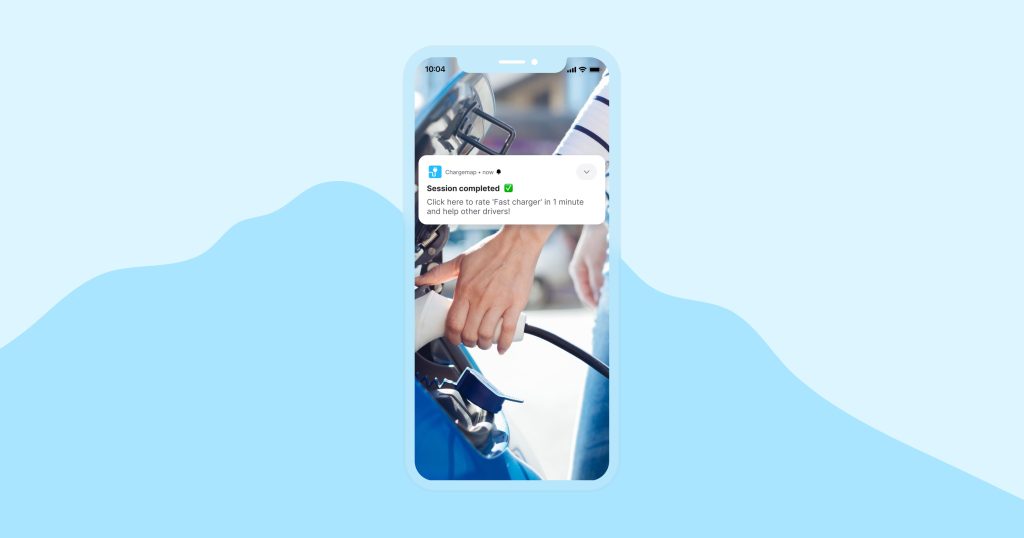
One tap is all it takes to stop charging. As soon as your charging session is complete, you'll receive a notification on your smartphone to confirm it. If you pay by the minute or have to pay a post-charging parking fee, be sure to unplug your electric vehicle to stop billing.
6. Share your charging experience with other fellow drivers on Chargemap
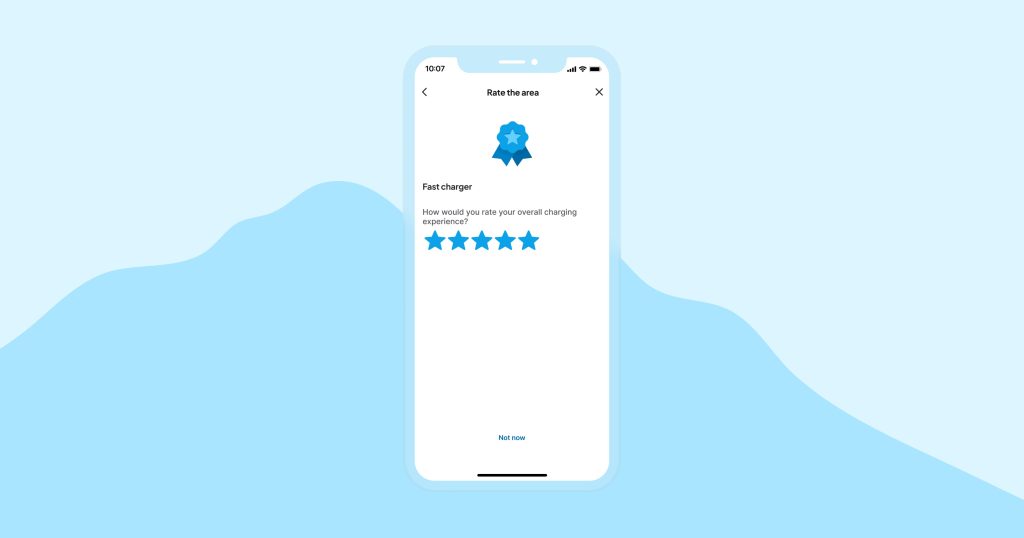
After your charging session, you will also receive a notification inviting you to share your charging experience. To help other Chargemap users choose the most reliable charging stations, take a minute to leave a review. The Chargemap community thanks you!
7. Check the cost of your charging session
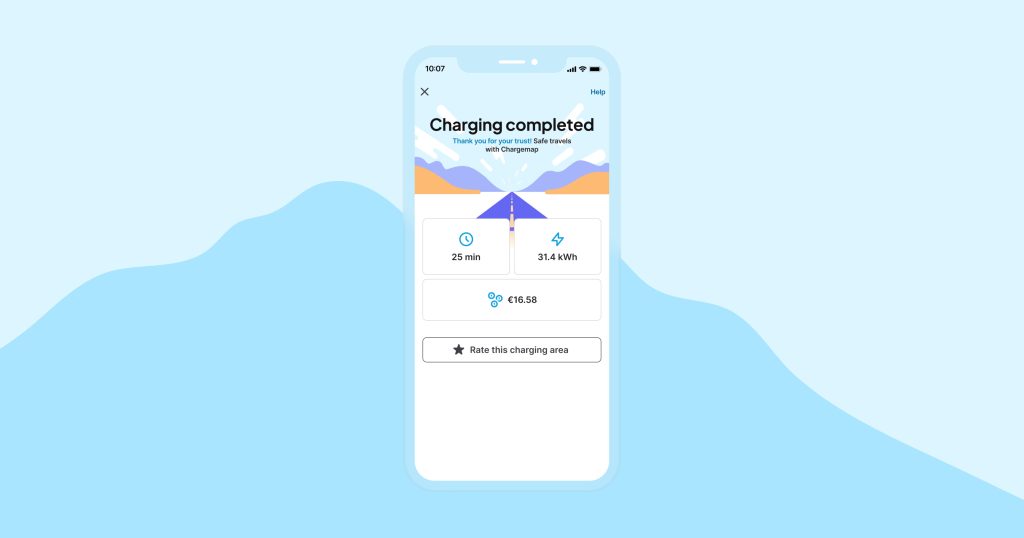
Once your session is complete, please wait a few moments to see the final charging cost. You will soon receive a detailed charging report.

Enjoy a simplified charging experience from your mobile app!
Download or update your Chargemap app.


We answer your questions
Can I start charging from the Chargemap app without having my card with me?
Yes! Straight after purchasing your Chargemap Pass, you can start charging from the app at compatible points, no activation needed yet.
Why do I need a physical Chargemap Pass when charging is launched from my phone?
To use mobile charging from the Chargemap app, you'll need to order a Chargemap Pass first. Good news: you don't need to activate it to start charging from the app! Once your physical card arrives, be sure to activate it so you can then enjoy access to over {{charging-points}} compatible charging points across Europe.
Can I pay for my Chargemap charging with Apple Pay or via a mobile wallet?
Currently, it is not possible to add the Chargemap Pass to Apple Wallet or its Android equivalent. This is because the card readers installed on the charging stations do not yet support this feature and need to be updated. Our team is actively working on this to make things happen. We are contacting numerous station manufacturers to carry out tests and eventually establish a standard to accelerate adoption on as many stations as possible.
Does charging from the mobile app work on all Chargemap-compatible charging stations?
No. Charging from the mobile app is only available on selected compatible charging stations. Use the ‘Charging via mobile app’ filter in the Chargemap app before you go.