You pull up at an unfamiliar charging station, and its page has no photos at all. There's no way to know what to expect: where the charging point actually is, or how easy it is to access. Before this update, adding your own photos wasn't much easier either: you had to send them one at a time, which wasn't exactly smooth or natural. The Chargemap app is changing how photo contributions work, making it smoother, more enjoyable, and more useful for the whole community.

Key Takeaways
- You can now add up to 10 photos at once, instead of one photo at a time
- A preview before sending lets you check your photos and remove any that don't work
- Zoom lets you check the detail of a photo before sending it, without cropping it
- Small prompts now appear on charging stations with no photos, to encourage that first contribution
- The goal: more useful photos, for better information quality across the whole community
A completely reworked flow for adding your photos
Previously, adding a photo to a charging station's page meant doing it one photo at a time. A back-and-forth you had to repeat for every shot, and not exactly practical out on the road.
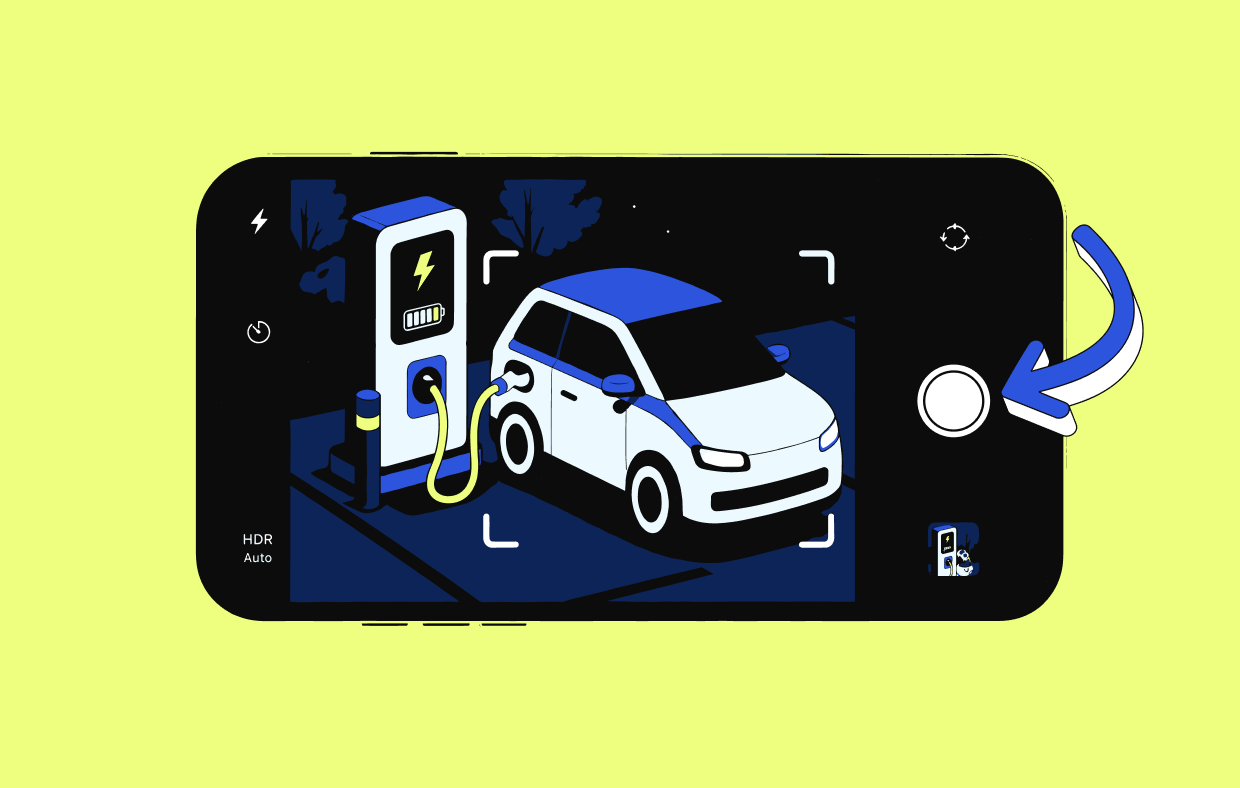
To add photos, scroll all the way to the left through the existing photos on the station's page, then tap "Add a photo". You can then choose to take a photo directly with your camera, or select several from your gallery.

What this changes for you
- You add all your photos in one go: a general view of the station, charging points, connectors, the surrounding area
- You save time on stations that deserve several shots
Preview your photos before sending them
Once you've selected your photos, a new "Your selection" screen shows them all at a glance. You can remove a photo that doesn't work, or add another one, before confirming your submission.
The send button shows the exact number of photos involved, so you know exactly what you're sharing with the community.
What this changes for you
- You stay in control right up until the last moment, before sending
- You avoid sending a blurry or unhelpful photo with no way to undo it
Zoom in and keep track of the photo limit at a glance
Before confirming, you can now zoom in on each of your photos to check a detail. Zoom only enlarges the image. It doesn't crop the photo. You can add up to 10 photos per submission, a limit that's clearly displayed while you're selecting, so you're never caught out partway through.
💡 Tip
For photos that are genuinely useful to the community, keep a few simple habits in mind: check the photo doesn't already exist, frame the whole charging station, and avoid number plates or faces. Check out our best practices for taking photos that are useful to the community.
A new prompt to encourage the first photos on a station
Some stations still have no photos at all. These are often the ones that need them most. On these pages, a new prompt now appears directly in the app: "No photos yet! Be the first to add photos to this station", with direct access to contribute.
A simple way to invite every driver to fill in the gaps, rather than waiting for a problem to come up before contributing.
How to make the most of this update
This update is available directly in the Chargemap app, on iOS and Android. If you already have the app, make sure to update it to enjoy these new features.
Next time you pass a station that deserves to be documented, or simply refreshed, take a few seconds to share your photos. Every contribution helps a future driver choose their station with confidence.
🔎 Find out more: 3 Chargemap updates to charge with confidence this summer

Download or update the Chargemap app
Find charging stations and contribute your photos and reviews to the community