When you join the Chargemap community, you’ll never be on the road alone again. Behind the screen, over 3.5 million drivers help each other out every day. That’s the essence of Chargemap. To guarantee the quality and relevance of charging station information, contribution tools are available to you. How can you play your part? How can you benefit from other members’ feedback in turn? Here’s everything you need to know.

Key Takeaways
A peer-to-peer community

The community spirit of our Chargemap members is what we’re most proud of. It’s thanks to all your contributions, together with the work of our in-house moderators, that Chargemap’s data keeps improving every day.
As you’d expect, the Chargemap database had to start somewhere. Over 10 years ago, a handful of Chargemap pioneers, at the initiative of founder Yoann Nussbaumer, criss-crossed French cities in search of available charging stations. A long-term effort that made it possible to launch the service. Mutual support between EV drivers is therefore Chargemap’s DNA.
Contribute to Chargemap for a better charging experience
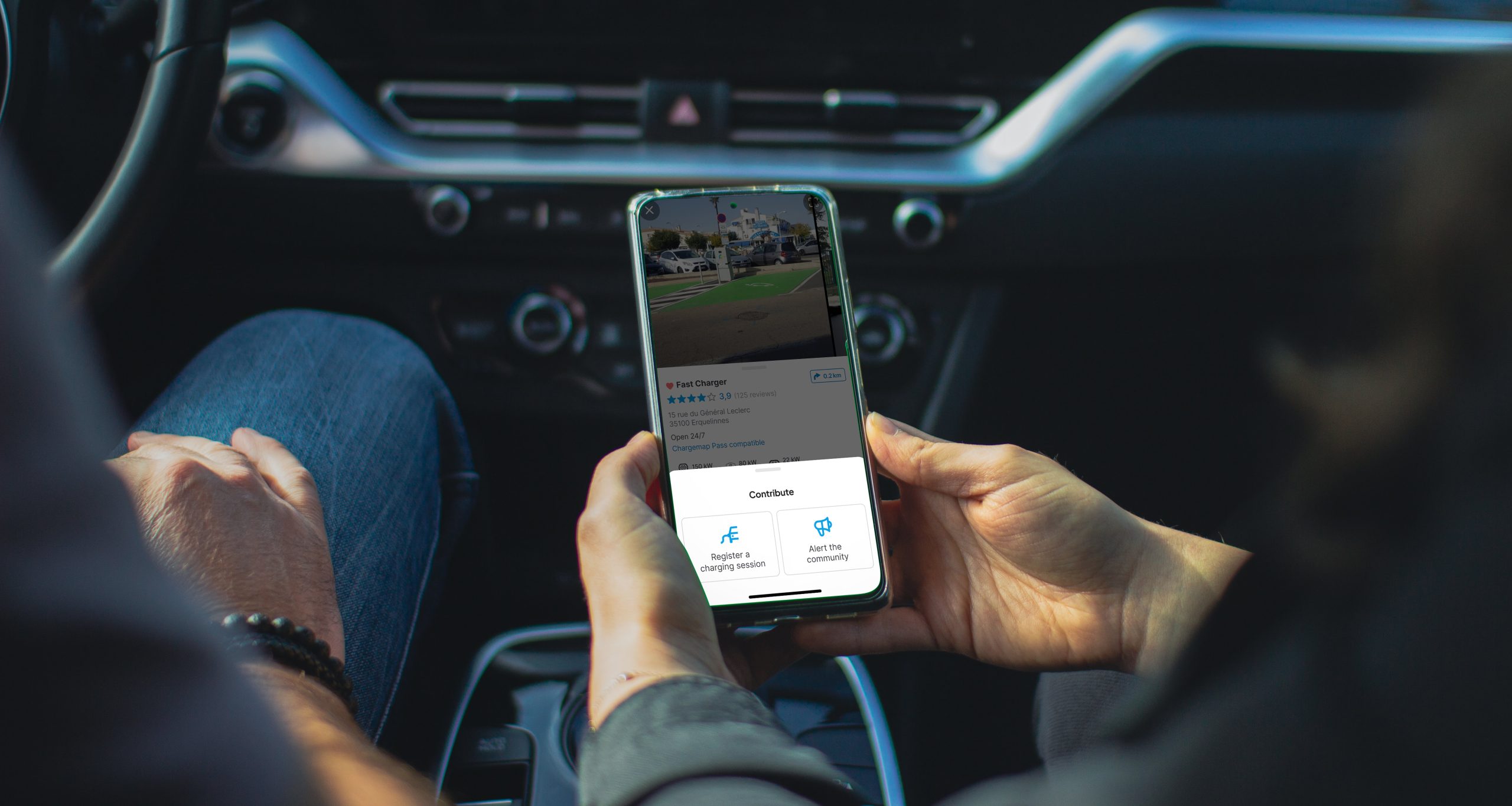
When you browse the Chargemap app, you’ll find several features that make it easy to contribute. Every single action can help another driver out on the road. Let’s take a look at the 4 ways you can contribute to the Chargemap app.
1. Record your charging session to indicate the charging station is operational
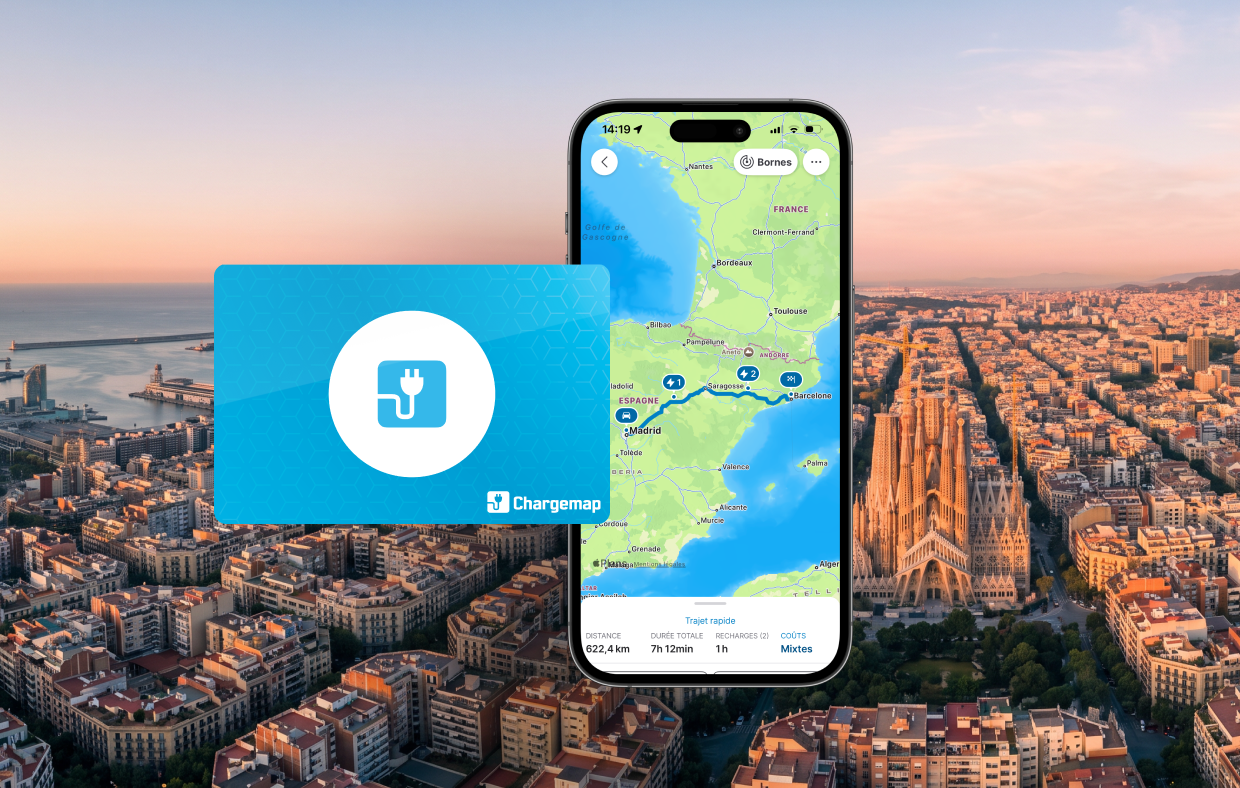
Your charging session is automatically recorded and posted anonymously when you use your Chargemap Pass.
2. Rate a charging area based on various criteria
When you record a charging session – or within 7 days of doing so – you’re invited to leave a more detailed Chargemap review by rating your charging experience. As well as rating your overall experience, 4 additional criteria let you share even more useful, relevant information with the community:
- Equipment reliability,
- Value for money,
- Relevance of the location and nearby services,
- Comfort and safety of the area.
Your ratings are hugely valuable for the charging ecosystem. Our partner networks have access to all your feedback via the Chargemap Partners tool. This lets them improve their service quality based on genuine, on-the-ground feedback. It’s also thanks to your reviews that we put together our rankings of the best networks.
⭐️ To find the charging station that best matches your needs, take a look at the reviews left by other Chargemap members. Just tap the stars at the top of a station’s detail screen to see the average score for each criterion. You can also head to the Reviews tab to see the latest user reviews. To keep information as reliable as possible, the overall score shown for each station is based on ratings from the last 3 months. In the Reviews tab, Chargemap also prioritises contributions from the last 3 months.
3. Report practical info or a malfunction to the Chargemap community
The Chargemap platform also has a reporting system to flag any problem or useful information to the community in a clear, accessible way. Go to ‘Reviews’ then ‘Leave a review’.
Reporting a malfunction or a difficulty accessing the charging station
If, for whatever reason, you had a problem while charging, or simply couldn’t access the charging area, you can let the Chargemap community know in just a few steps.
Simply select ‘The station isn’t working properly’ or ‘Access to the station isn’t possible’. Then specify the reason, the date, and whether or not you’ve already reported the issue to the site operator.
Reporting incorrect Chargemap data to correct or update it
If you notice that a station’s listing on Chargemap contains incorrect or outdated information, you can report this too by selecting ‘The displayed data is wrong’. You’ll be redirected to a form containing the station’s data, which you can edit. Your contribution is then reviewed by Chargemap moderators, who check it and decide whether to approve the change.
Leaving an open comment to share a tip or practical information
The Chargemap app automatically invites you to leave a comment whenever you record a charging session manually or rate a charging area. This lets you add useful information for the next people using that charging station.
You can also leave a comment on its own. Simply tap ‘Tip or practical info to share’.
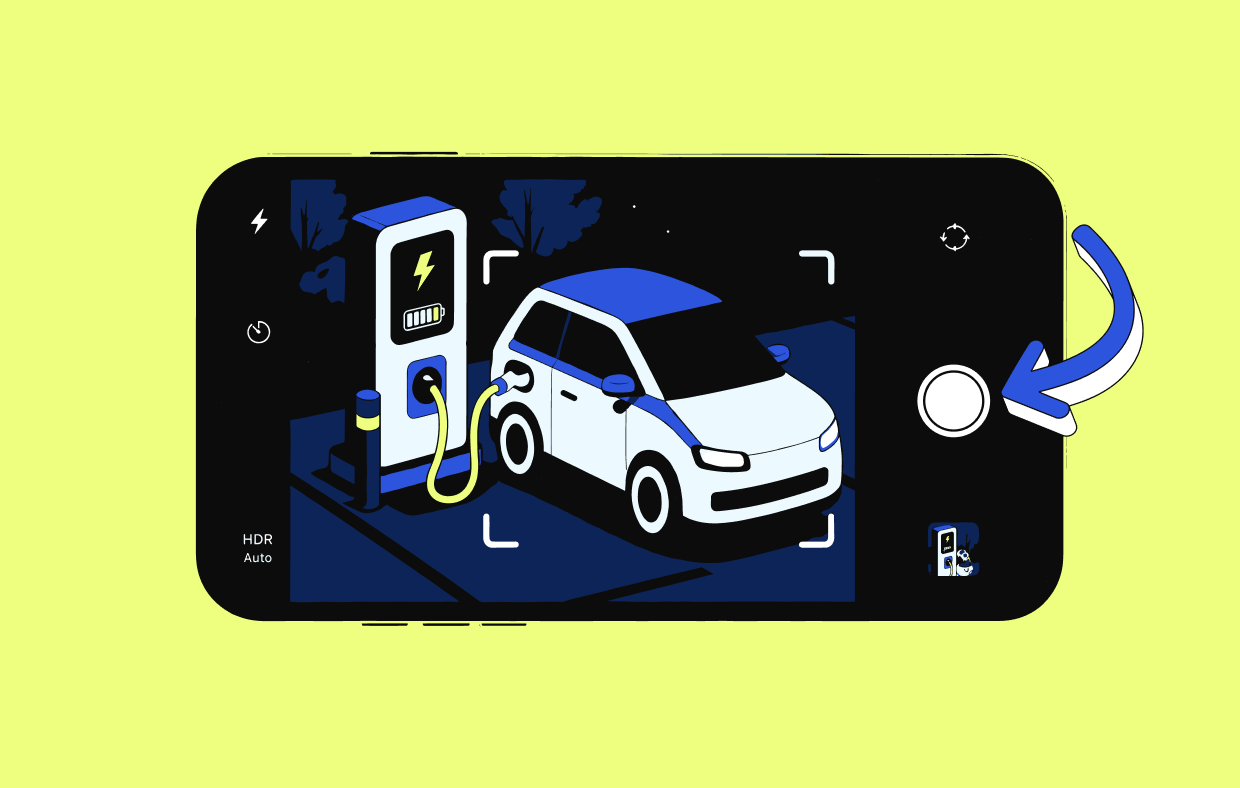
4. Post photos of charging stations
Seeing photos of a charging station before you get there can be really useful. Not only does it help you know what to expect, it also gives drivers a visual clue when a station isn’t easy to spot at first.
To share a photo, simply tap the three dots next to the Contribute and/or See rates button, then ‘Add a photo’. You can also scroll through all the photos on the last screen.
To make sure the photos you post are useful for the community, here are a few best practices:
- Check existing photos so you don’t post unnecessary duplicates,
- Photograph the whole charging station,
- Photograph all the charging points and connectors when there are several,
- Post a photo of the surrounding area to help locate the station somewhere a bit tricky to find,
- Don’t photograph just the vehicle,
- Don’t post a photo of the station or vehicle screen showing the current charge level,
- Don’t show number plates or faces, out of respect for privacy,
- Don’t share the rates displayed on the station: these can change regularly and will differ from Chargemap rates if the station is compatible with the Chargemap Pass.
We hope this short guide to contributing on Chargemap has helped, and that it inspires you to join in next time you’re on the road. Beyond the features covered in this article, know that all your feedback helps us keep improving the Chargemap service.