
Key Takeaways
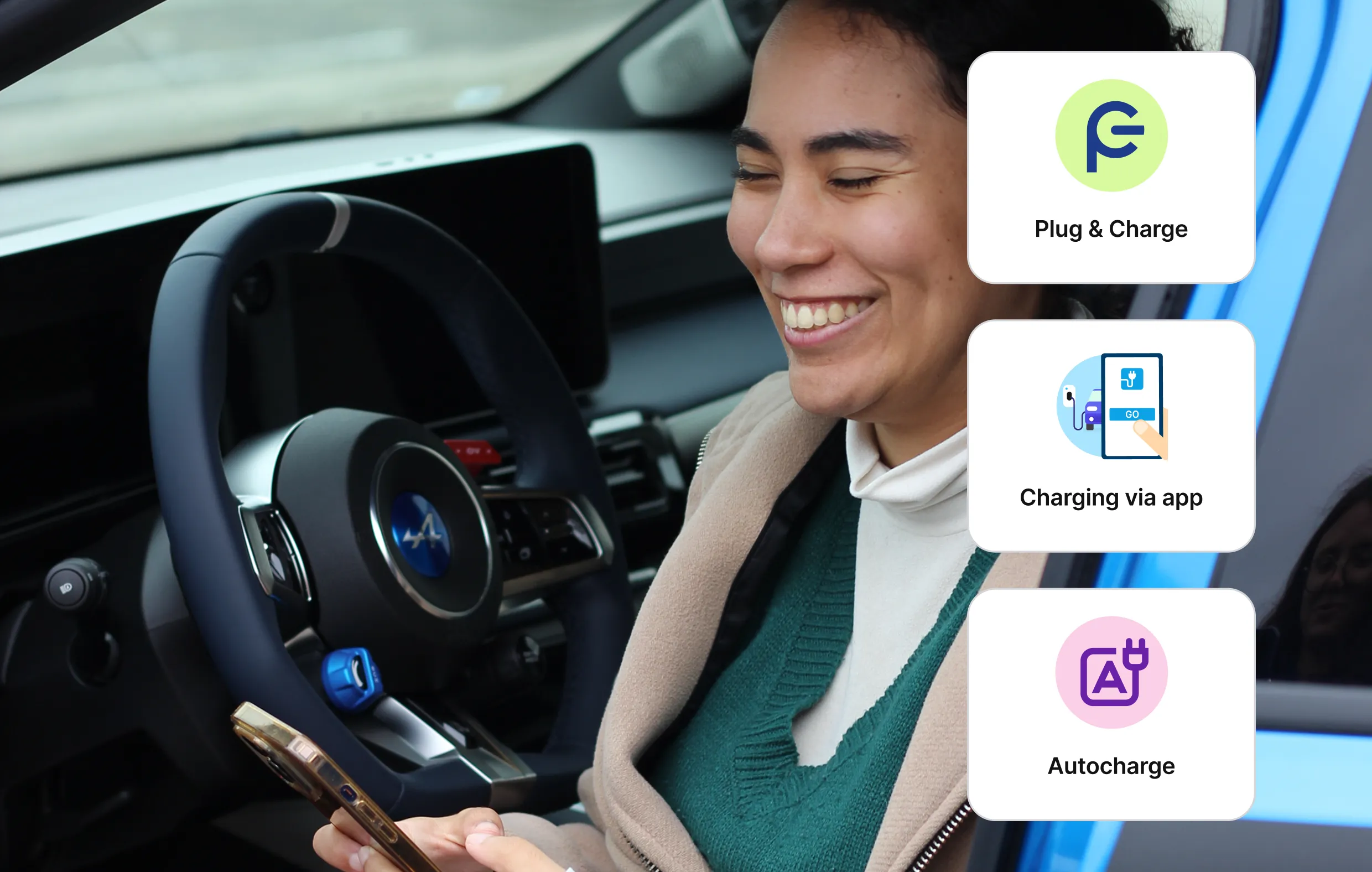
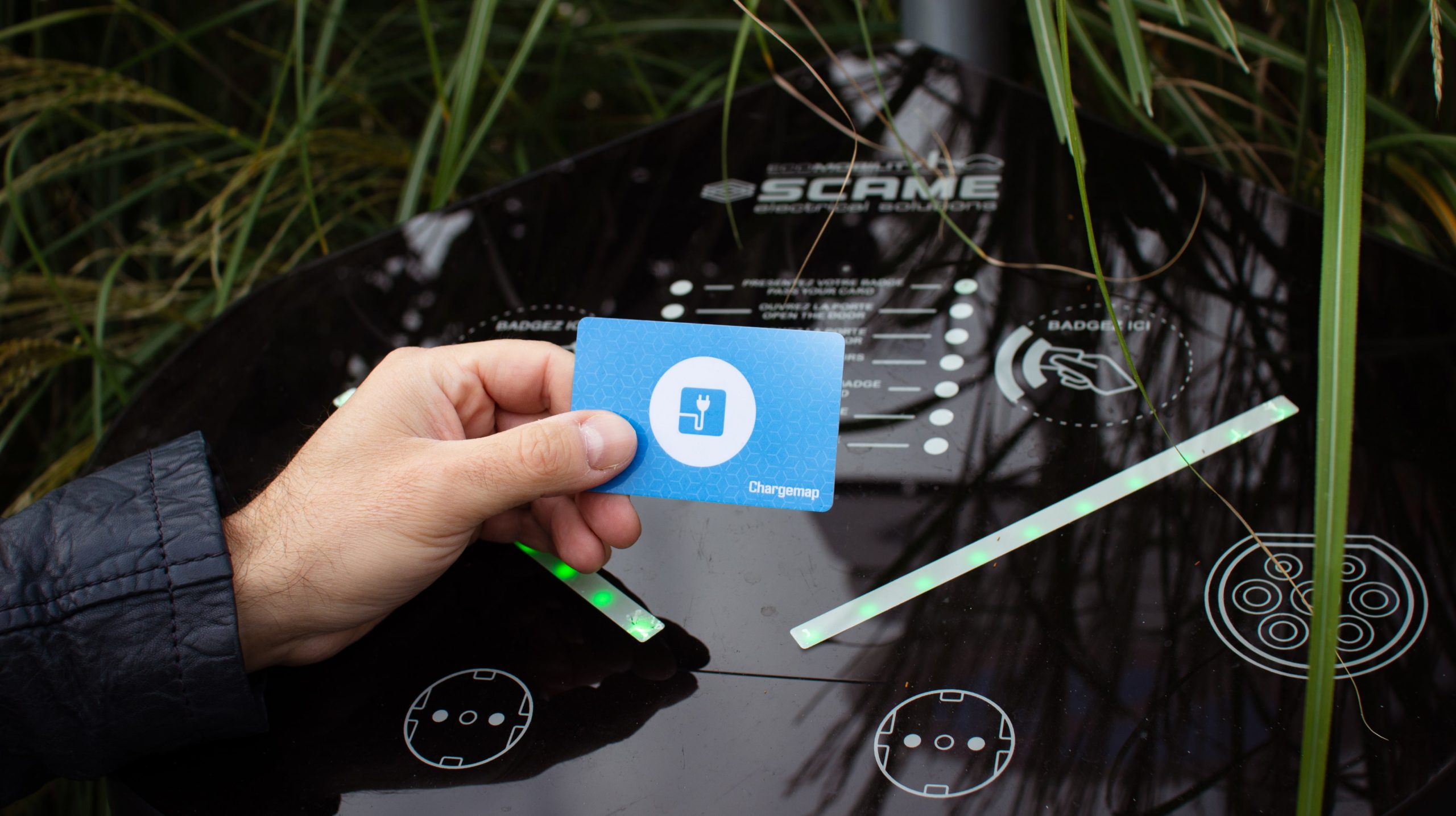
- Physical badge + mobile charging: 2 ways to use your Chargemap Pass, depending on your preference.
- +{{charging-points}} compatible charging points across Europe on over 2,000 networks in 19 European countries.
- Centralised billing, no subscription, no hidden fees.
Why should you use a charging card to top up at public charging stations?
In Europe, the most common means of payment at public charging stations is the RFID charging card. Other ways of accessing charging stations are still available, but they are becoming increasingly rare. Examples of other means of payment include credit/debit cards and payment using an app on your phone either by NFC or scanning a QR code.
↪️ Also read: 9 dos and don't when charging on a public charging station
One Chargemap Pass = over 2000 charging networks in Europe
The Chargemap Pass is the multi network charging card designed by Chargemap to simplify charging for EV drivers. Instead of fiddling about with a myriad cards to access the various networks, the Chargemap Pass provides you with a single payment solution.
You can use it to charge your electric car on over 2000 networks (including IONITY, Tesla Superchargers, Lidl, Monta or EVBox to mention but a few) and over {{charging-points}} charging points throughout Europe!
To charge EV fleets, we also offer the Chargemap Business software solution together with a professional version of the Chargemap Pass.
What to do when you order your Chargemap Pass
You've just ordered your Chargemap Pass and don't want to wait for the physical badge to arrive? You can charge via the app right away, without activating your badge. Find out how to charge without a physical badge.
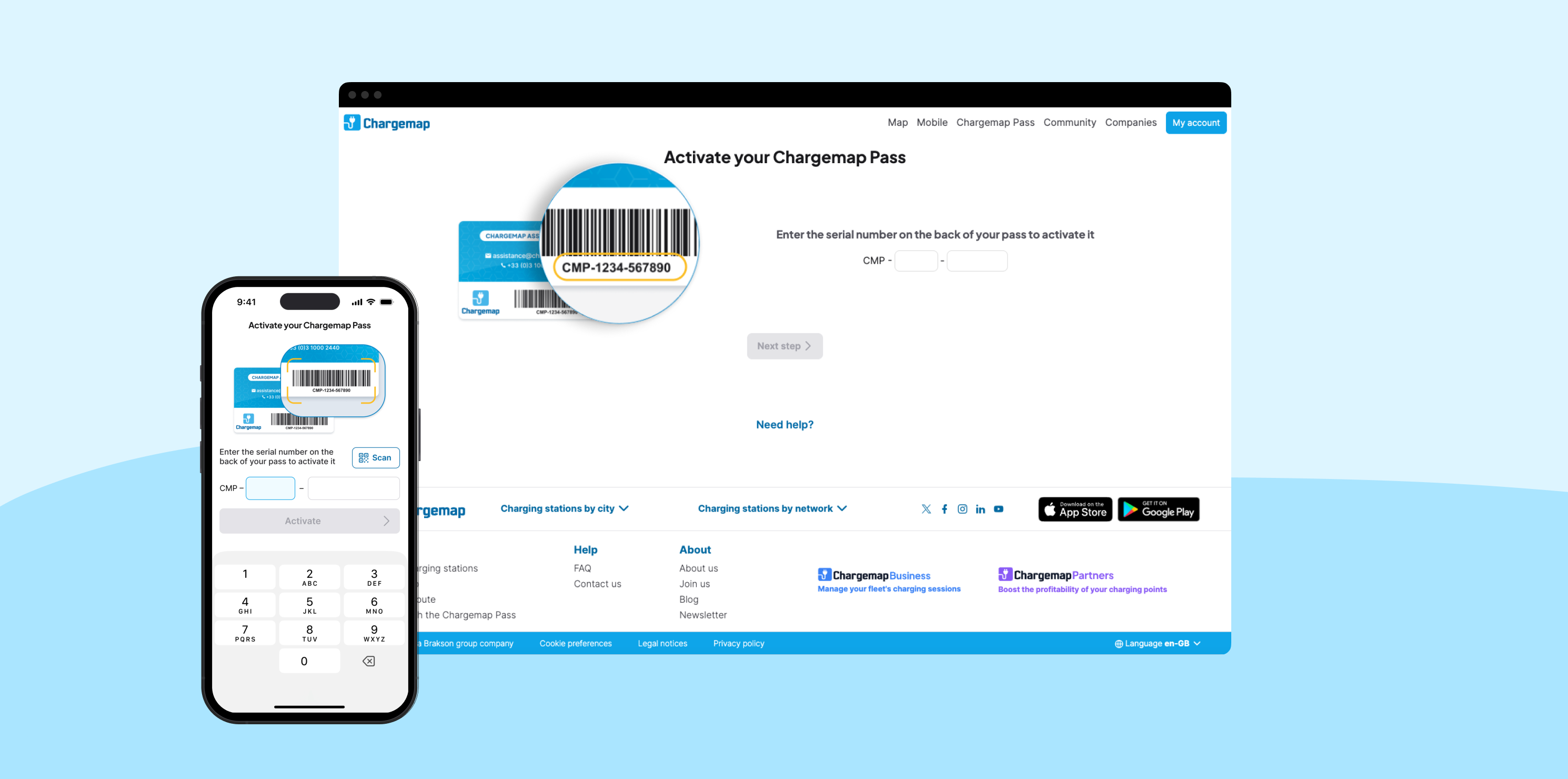
However, to use the physical badge at public charging stations, you'll need to activate it first.
How do you find charging stations compatible with your card?
Easy peasy! The Chargemap app works in perfect harmony with your card. Locate all the charging stations compatible with the Chargemap Pass in no time at all.
The compatible charging stations are quite simply symbolised by a Chargemap icon. To make things even easier, you can also apply the 'Chargemap Pass compatible' filter so that only the compatible charging points are displayed.
How much does it cost to charge with the Chargemap Pass?
Down to the serious business – what charging actually costs. In the public charging ecosystem, each charge point operator (CPO) has their own pricing system.
Indeed, the price displayed at the charging station is not necessarily the price applied by your mobility service provider (MSP). Chargemap draws up a connection contract with the networks and they impose a basic rate to which we add a reasonable commission to cover our costs (roaming platforms, servers, assistance etc.).
With that in mind, we make it a point of honour to ensure that Chargemap's charging rates easy to access and fully comprehensible. You will find all the pricing information directly on the screen for each compatible charging station. As pricing can fluctuate, we invite you to consult the prices in the Chargemap app before each charging session.
How does payment work when charging with the Chargemap Pass?
Now that you have found the right charging station and know everything about the charging rates applied, let us get down to the practical side of things! There are 4 key steps to bear in mind:
1. Badge in to start charging
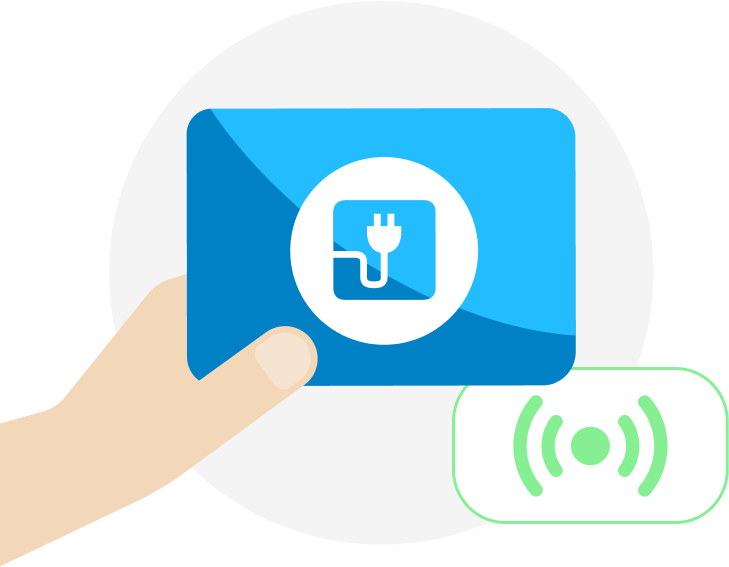
Start by opening the charging port flap on your EV. Stand in front of the charging station, hold your Chargemap Pass against the reader provided and follow the instructions indicated on the screen or directly on the charging station.
Please note: authentication is not necessarily instantaneous. At some charging stations, you may have to hold the card in place for 10 to 20 seconds until it is recognised by the operator.
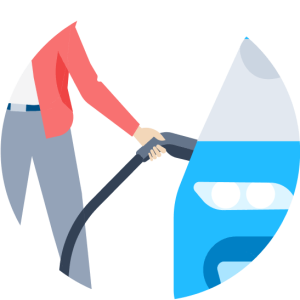
2. Plug in your electric vehicle
Unhook the cable that is compatible with your vehicle or use your own personal cable. Plug it into your EV for charging to start. Then keep track of the charging data on your dashboard and/or the charging point.
NB: At rapid charging stations, the cable is always attached to the charging station.
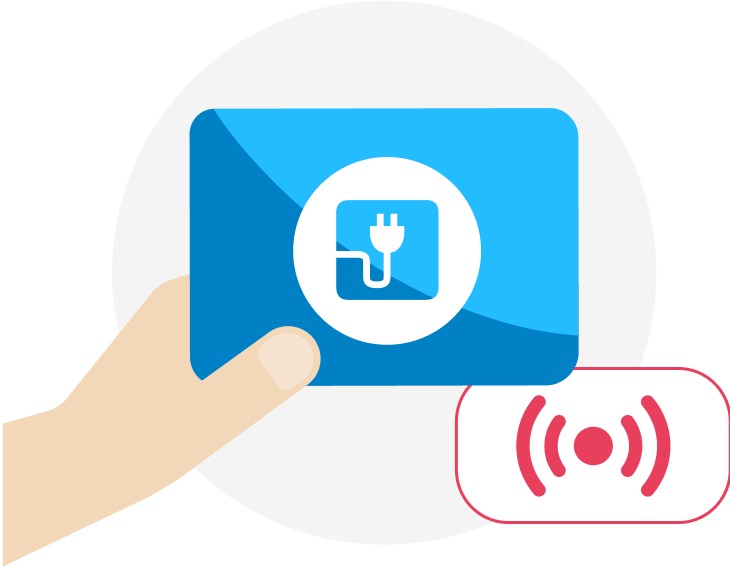
3. Badge out to stop charging*
To stop charging, badge your Chargemap Pass against the reader again. Unplug the cable from the charging station first, if you are using your own personal cable, and then unplug it from your vehicle. If you are using a rapid charging station, place the cable back on its holder carefully to avoid any damage.

4. Share your charging experience with the Chargemap community
When you use your Chargemap Pass, we automatically (and anonymously) report your successful charging on the station's details sheet on Chargemap. This is a reliable and reassuring indicator of the functional state of the chargepoint.
Once you've finished charging, you can go a step further by leaving a full review of your charging experience in the Chargemap application. If you notice a problem or are unable to charge, you can also report this information.
* ⚠ ️ At charging stations that invoice according to the time you spend charging, forgetting to badge out can be highly problematic. Quite simply because these charging stations bill you for your connection time. If you don't badge out to stop the charging session, the time continues to clock up – as does the cost of charging. To avoid any unpleasant surprises when you receive your bill, make sure you badge out systematically when you have finished charging.
Enjoy a 100% dematerialised charging experience with your Chargemap Pass
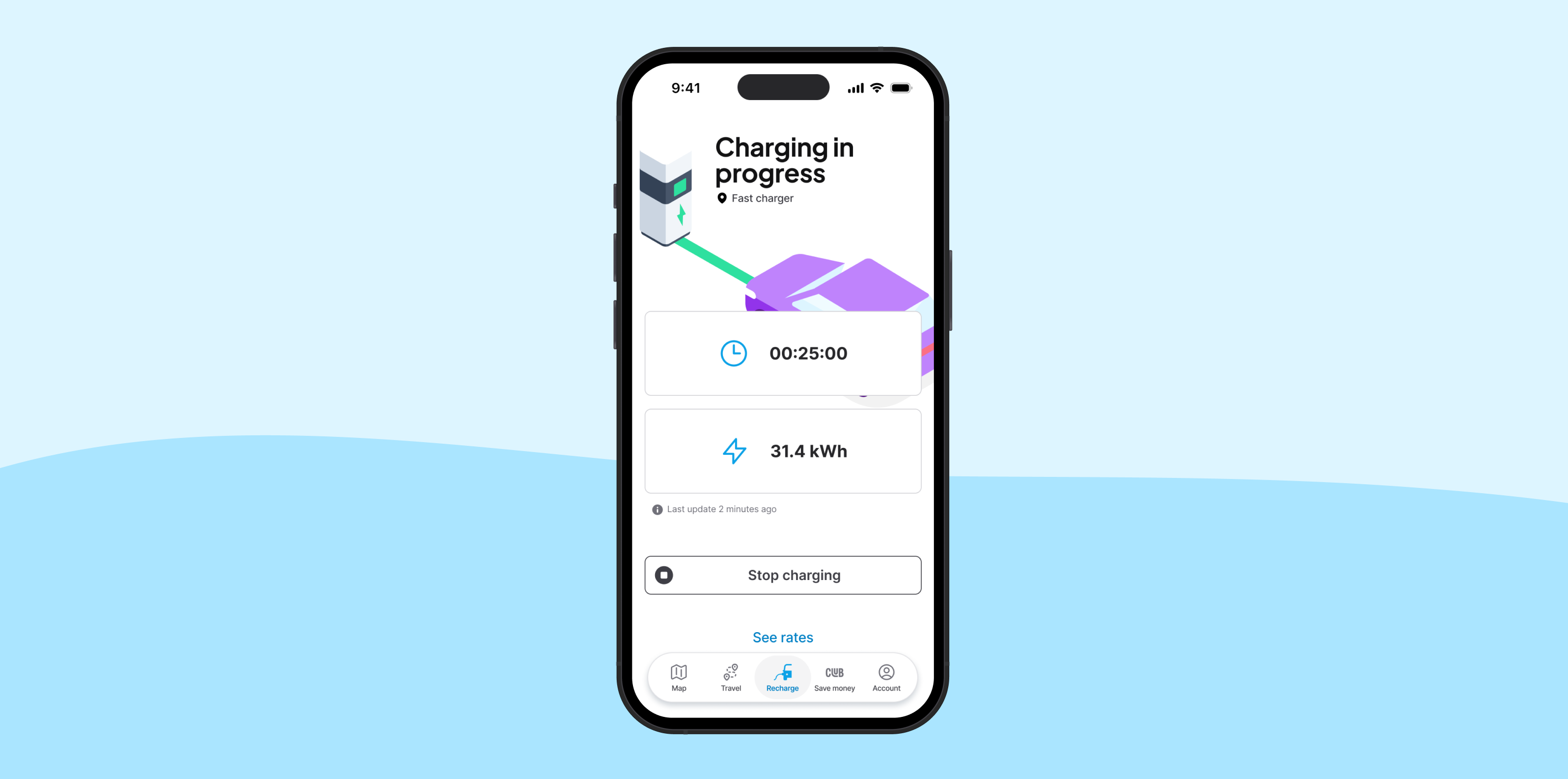
You can start, track in real time and stop your charging sessions from your Chargemap application on a selection of networks. A 100% dematerialised experience with your Chargemap Pass. Find out how the charging via mobile app feature works in our dedicated article.
The dematerialised procedure for charging at Tesla Superchargers with the Chargemap Pass is quite different. To find out more, read our article on the subject.
Manage your charges the easy way via the Chargemap app
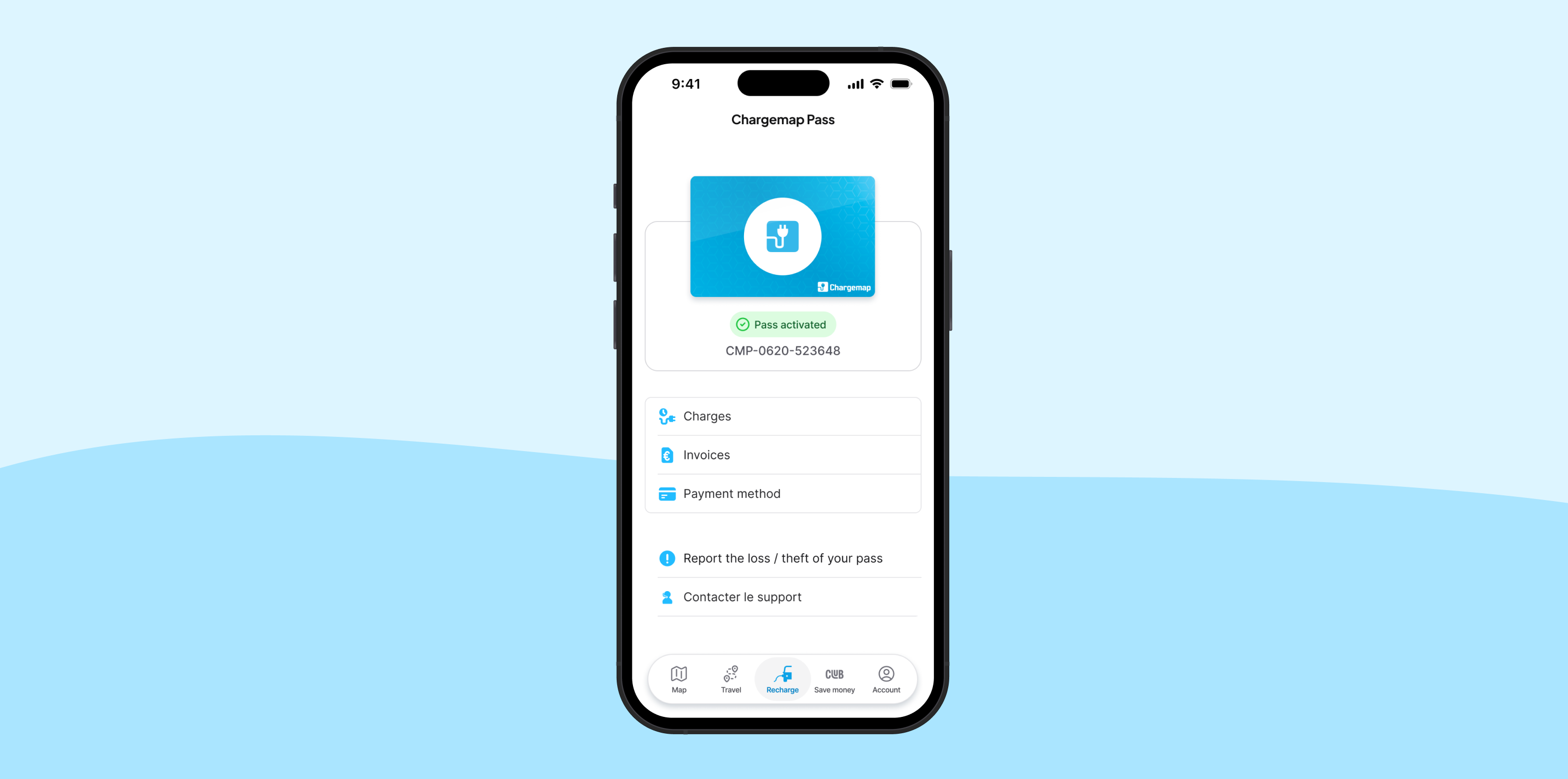
Every time you charge using your Chargemap Pass, you will receive a charging report by email. This summarises all the data linked to the charging session.
Go to the 'Pass' tab in your Chargemap app to manage your card and find all your charging reports and bills. Bills are generated automatically and sent to you by email at the beginning of each month. They give an account of all the previous month's charging sessions.



We answer your questions
What are the benefits of the Chargemap charging card?
The Chargemap Pass gives you access to:
- +2000 networks available,
- + {{charging-points}} charging points across 19 European countries,
- regular promotions offering up to 30% off with partner networks,
- charging assistance available 24/7!
Is the Chargemap Pass compatible with all stations?
You can use the Chargemap Pass at many charging stations within our partner networks. The simplest way to check if a station is compatible is by consulting its details in the Chargemap mobile app or on the Chargemap website. If the station is marked as "Chargemap Pass compatible," you’re good to go and can use your pass there.
Is the Chargemap Pass free?
No, the Chargemap Pass is available for €14.90. The charging service offered by Chargemap requires no subscription or binding. You only pay for the purchase of our badge and the charging sessions you use, that’s it !
Can the Chargemap Pass be used internationally?
Absolutely! It works in multiple European countries ! Charging abroad with your Chargemap charging card incurs no additional fees.
Is there a Chargemap subscription?
Yes, it’s called Chargemap Boost! This new plan gives you access to numerous benefits. Charge more and save more! Discover all the details about the Chargemap Boost subscription.