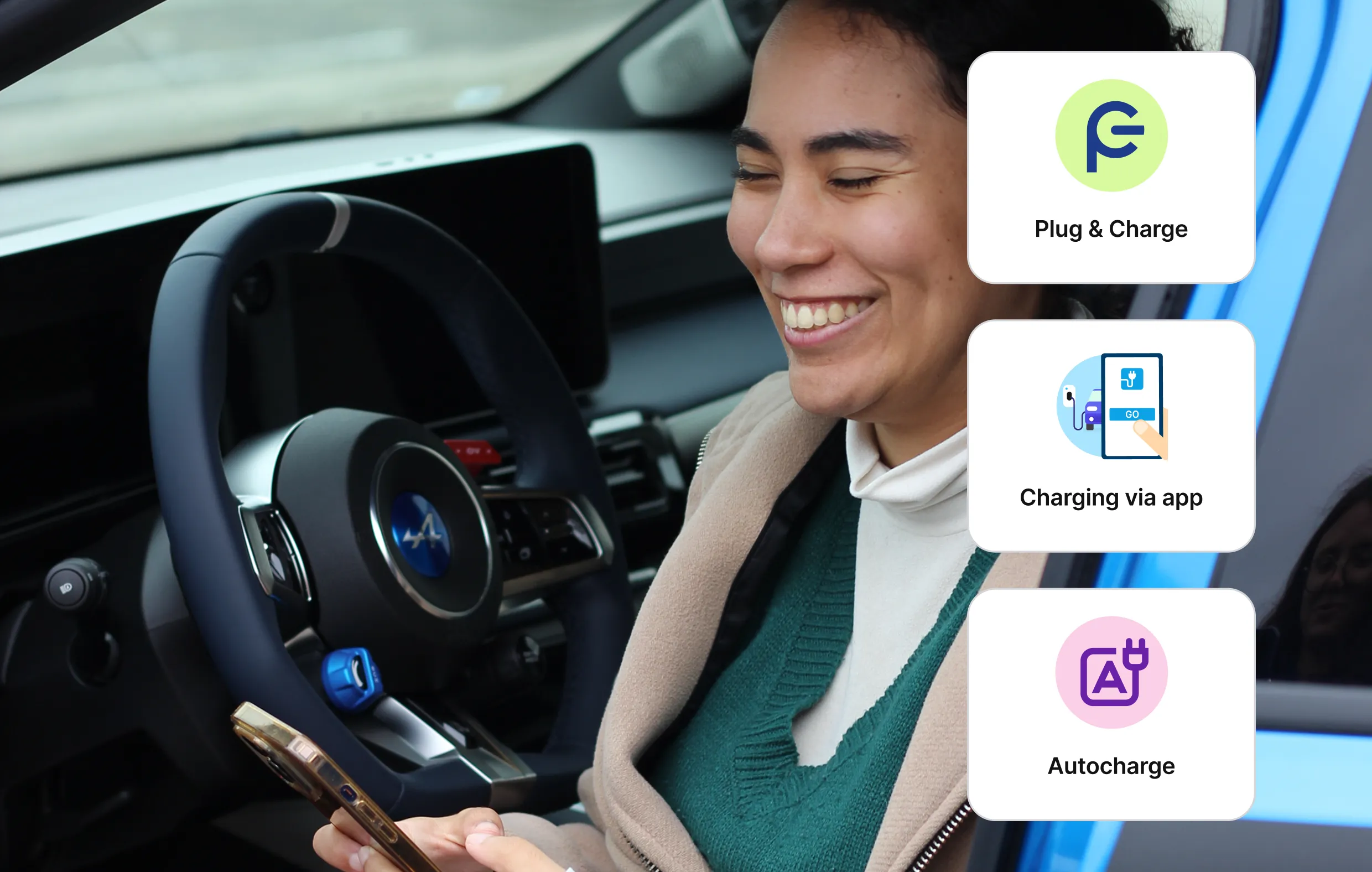
Forgetting your charging card at home, searching for it at a busy motorway service station, or having to create yet another account just to start a charging session… These everyday situations can quickly turn electric car charging into a frustrating experience.
What if charging your electric car could be as simple as plugging in your phone? With the Chargemap Pass service, this is now possible thanks to three innovative, card-free solutions: charging via the app, Autocharge and Plug and Charge.
Public EV charging has evolved significantly in recent years. Depending on the charging station and your vehicle, you can now start a charge without a physical card, directly from your smartphone or automatically when you plug in your car. Here’s how these features make your charging experience simpler and more convenient.

Key Takeaways
- The Chargemap Pass is no longer just a charging card: it gives you access to several card-free EV charging features.
- As soon as you buy your Chargemap Pass, there's no need to wait for or activate your physical card to charge: charging from the app is available immediately on all compatible charging points.
- Charging from the app: start, monitor and stop your charging session directly from the Chargemap app.
- Autocharge and Plug and Charge: plug in your vehicle at a compatible station and charging starts automatically.
Charging from the app: start your EV charging session in just a few taps
You arrive at a charging station, take out your cable… and realise your charging card is in another coat. Or worse: you left it at home, miles away.
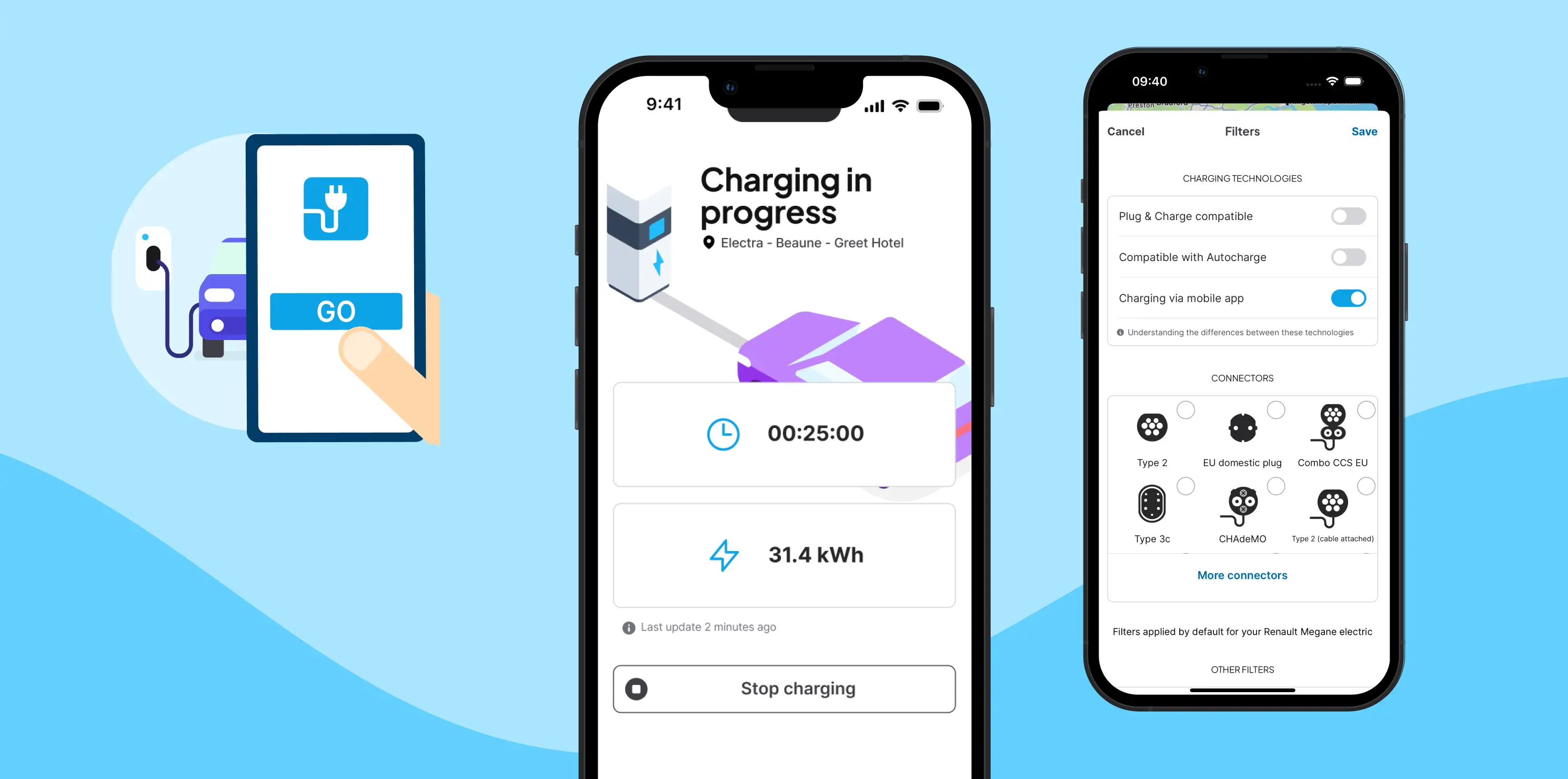
With the charging from the app feature, your smartphone becomes your charging card. Plug in your vehicle, open the Chargemap app, select your station and start the session. That’s all it takes.
What this means for you
- No stress if you forget your charging card
- Real-time monitoring of your charging session in the app
- The ability to stop your session remotely if needed
- A notification when your session ends
In practice
This feature is available at hundreds of thousands of charging points across Europe. You can easily find them using the “Charging via mobile app” filter in the app.
Everything is managed from your phone: start, monitor and stop your session. Ideal for city charging or motorway stops when you prefer to stay warm or take a break while your car charges.
🔎 Read more: Charging without a card: discover all Chargemap solutions
Autocharge: plug in and your car starts charging automatically
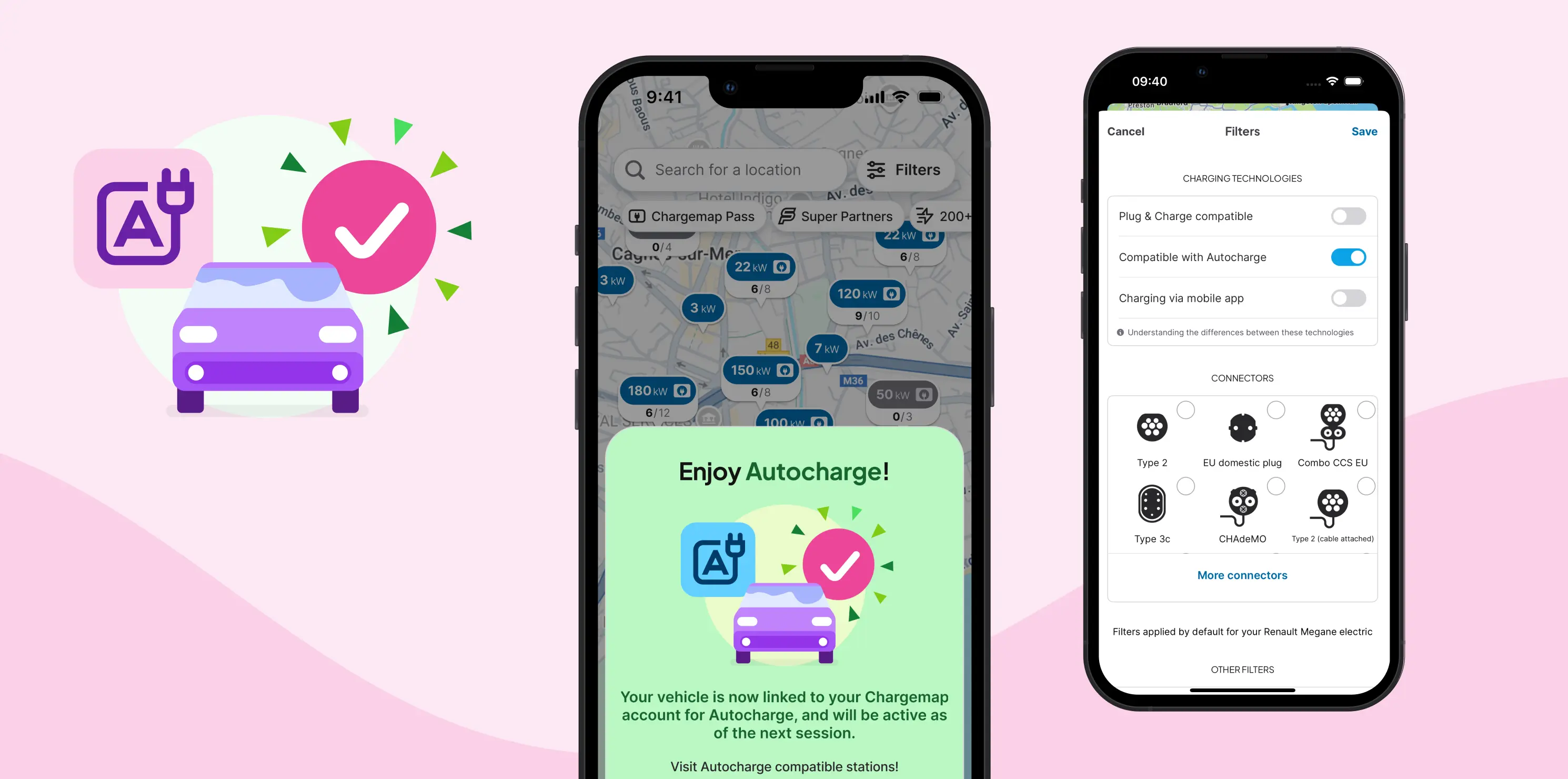
Autocharge makes EV charging even simpler. Just plug in your electric car and the charging session starts automatically. The charging station recognises your vehicle using its identifier (MAC address) and links it to your Chargemap account.
What this means for you
- Save time and enjoy a smoother charging experience
- Hands-free charging: no need to use your card or phone
- A seamless experience, especially in bad weather
- No worries if you forget your charging card
In practice
To activate Autocharge, you first need to complete a charging session using your physical Chargemap Pass at a compatible fast charging station (filter available in the app). You will then receive a notification inviting you to activate the feature.
From your next session onwards, simply plug in your vehicle and charging starts automatically.
Please note: Autocharge is only available on fast chargers (DC) and requires your vehicle to have a unique identifier. You can check compatibility directly in the Chargemap app in the Vehicle section.
🔎 Read more: Autocharge on your electric car: how does it work?
Plug and Charge: the most advanced way to charge your electric car
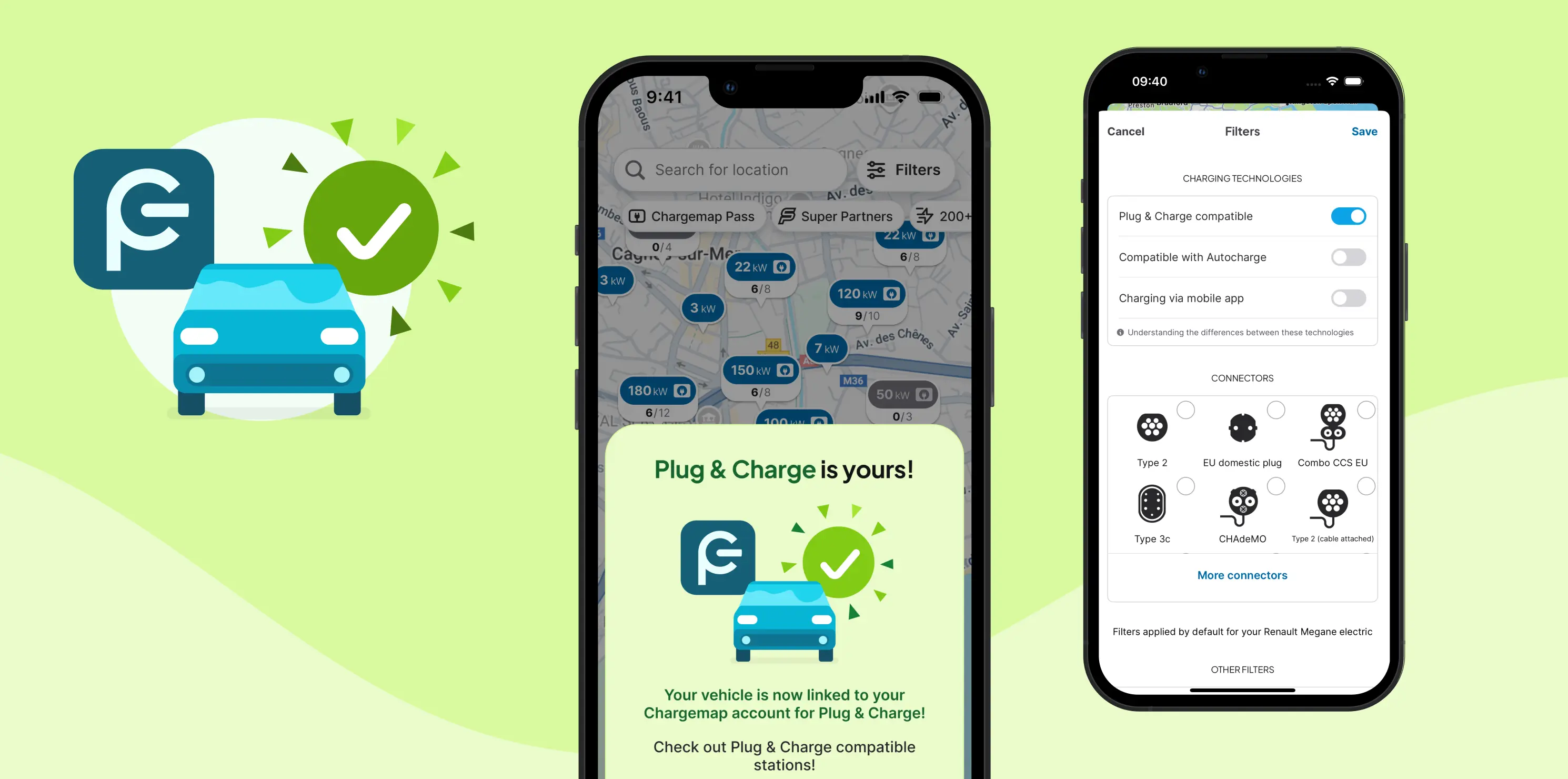
Plug and Charge works in a similar way to Autocharge: you plug in your vehicle and charging starts automatically. However, the technology behind it is different.
Plug and Charge is based on a secure digital certificate stored directly in your vehicle. When you connect to a compatible charging station, your car is automatically recognised and authenticated. No need for a card or smartphone.
What this means for you
- Enhanced security through encrypted certificates
- Reliable vehicle identification for a smooth experience
- Simple activation from the Chargemap app
- Total convenience: just plug in and start charging
In practice
To activate Plug and Charge, go to the Chargemap app:
Recharge tab > Charging methods > Plug and Charge
You will need your PCID (vehicle identifier), which can be found in your vehicle settings or manufacturer documentation.
Important: this feature is only available if your vehicle supports Plug and Charge and if your manufacturer allows third-party services to use it.
Ultimately, whether you can use Autocharge or Plug and Charge depends on your electric vehicle model, as manufacturers choose which technology to support.
🔎 Read more: Plug and Charge: how it works and why it matters for EV drivers
Which option should you choose?
You don’t need to choose. These three solutions are complementary and work depending on your vehicle and the charging station.
- If your vehicle and the station support Autocharge, charging starts automatically as soon as you plug in your car, no card or phone required. A first session with your Chargemap Pass card is needed to activate the feature.
- If your vehicle and the station support Plug and Charge, charging also starts automatically when you plug in your car. Activation only takes a few steps in the Chargemap app. It is the most advanced and secure charging technology available today.
- Charging from the mobile app allows you to start a session directly from the Chargemap app without a physical card, on a wide range of charging stations.
And of course, your Chargemap Pass charging card remains essential for accessing the wider public charging network across Europe, especially on stations that do not yet support these card-free features.
Ready to make EV charging easier?
Download the Chargemap app and order your Chargemap Pass if you haven’t already. You can then try charging from the app, Autocharge or Plug and Charge on compatible charging stations.
Use the filters in the app to quickly find stations near you that support these features and start your next charging session with ease.

Enjoy a smoother EV charging experience with Chargemap.
Download or update your Chargemap app.